.png?width=225&height=75&name=Zeplyn_Blue%20%26%20White%20(1).png)
What Does “Deny Shared Access” Do?
When enabled, this setting prevents other users in your Workgroup from viewing:
- A specific meeting note (when applied at the note level)
- All meeting notes for a client (when applied at the client level)
This does not remove the client or note it only restricts visibility to you/the user.
Make a Single Note Private
- Open the meeting note
- Click More actions (⋯)
- Select Deny Shared Access
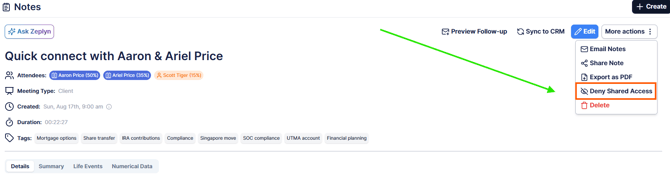
Once enabled, the note will no longer be visible to other users in your Workgroup.
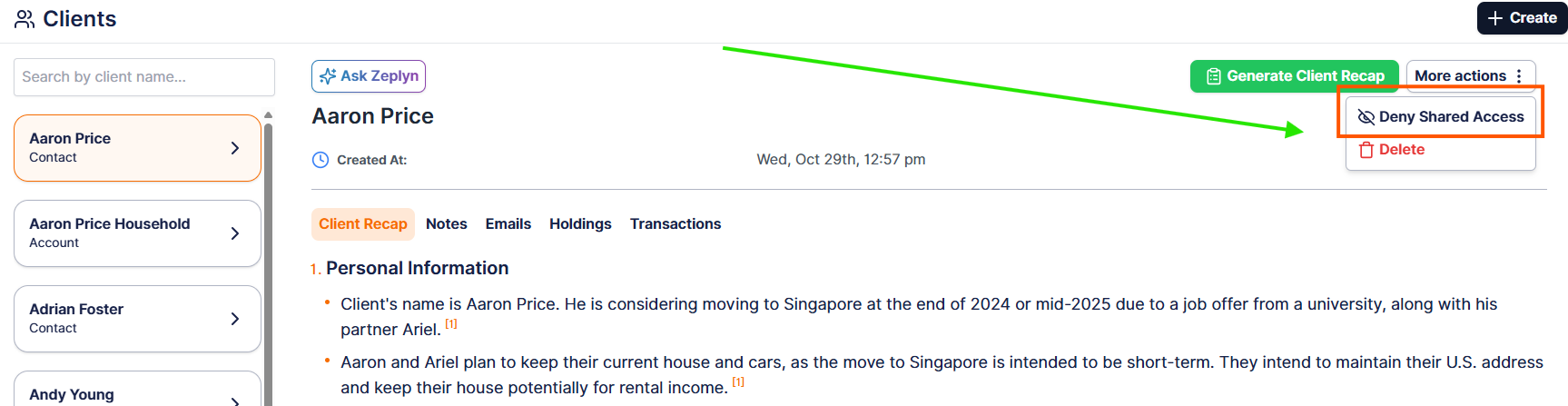
Make an Entire Client Private
- Navigate to the Client
- Click More actions (⋯)
- Select Deny Shared Access
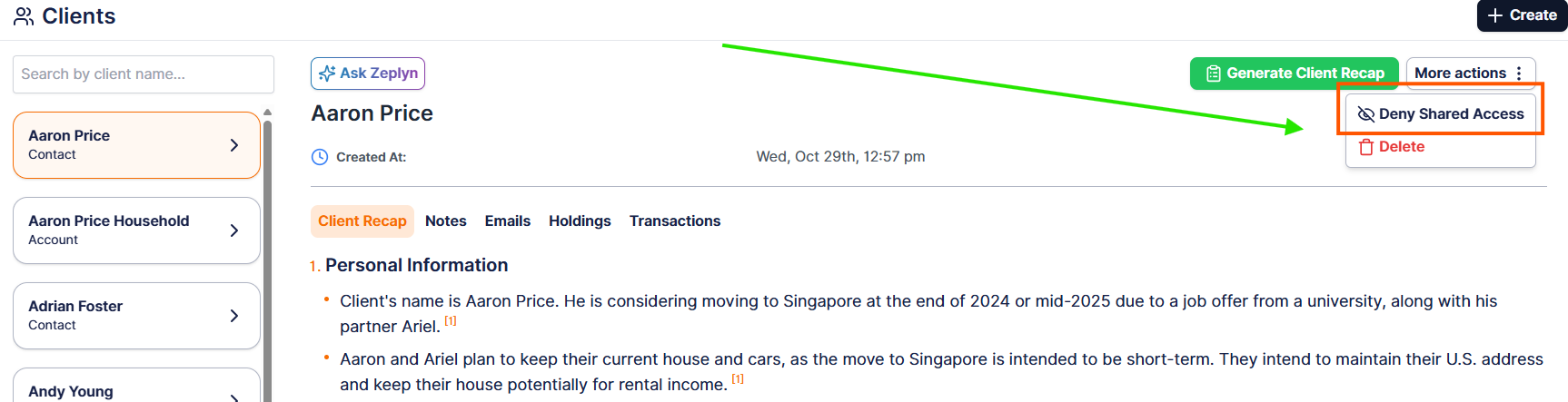
This will apply privacy across all notes associated with that client, hiding them from other Workgroup members.
When to Use This
- Sensitive client situations
- Internal-only notes or strategy discussions
For additional questions, please reach out to support@zeplyn.ai.