.png?width=225&height=75&name=Zeplyn_Blue%20%26%20White%20(1).png)
📤 How to Export a Note as a PDF
-
Open a meeting note in Zeplyn.
-
In the upper right corner, click the Download PDF icon (downward arrow).

-
The PDF will download directly to your device.
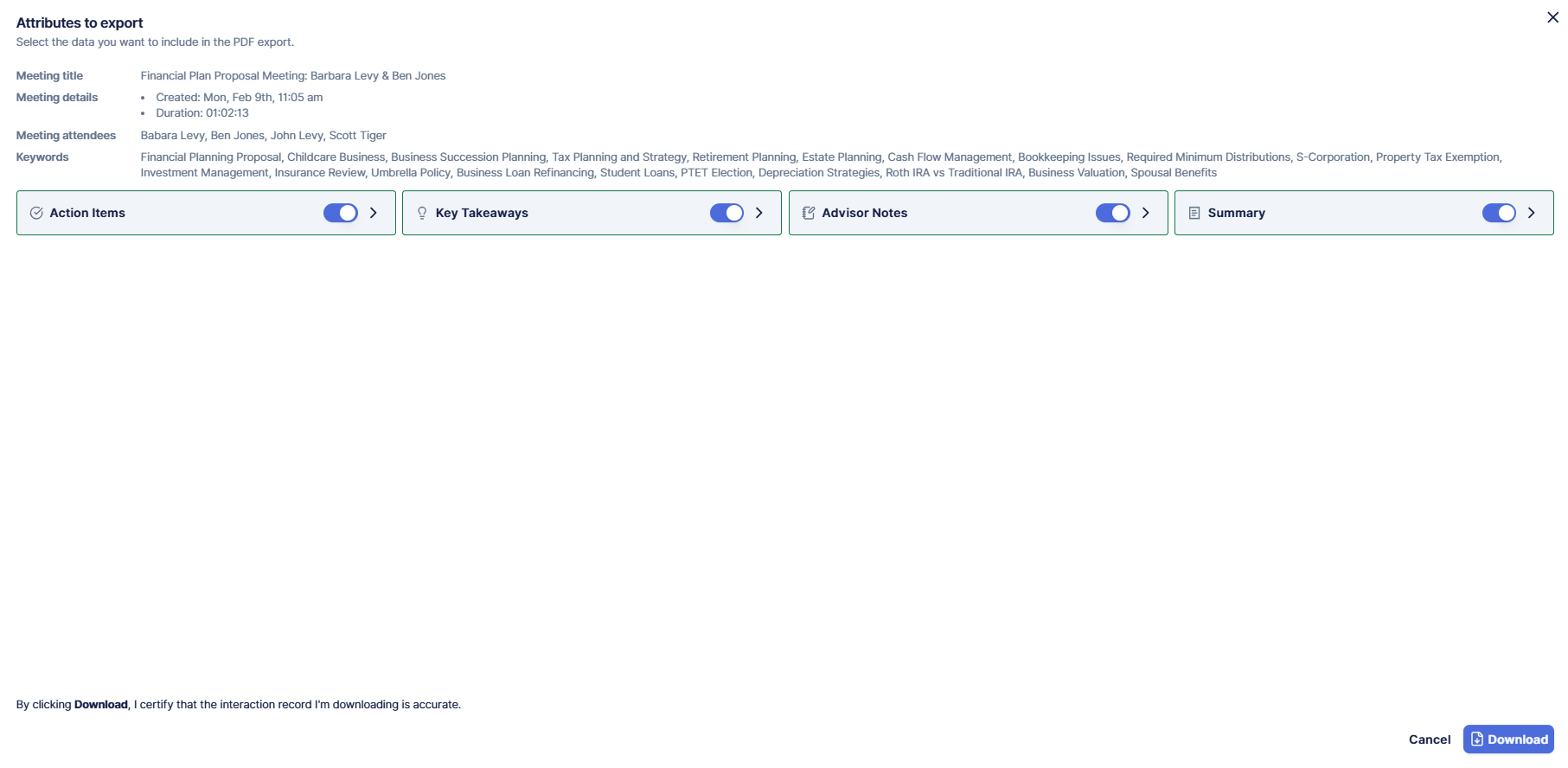
What’s Included in the PDF
You have the ability to select what you would like on your downloaded PDF.
For additional questions, please reach out to support@zeplyn.ai.